Best AI Writing Tools in 2026: 6 Tools Compared and Ranked
Summary
The best AI writing tools in 2026 depend on the job. Claude leads on long-form drafts that read naturally, ChatGPT covers mixed tasks, Grammarly is the editing layer inside the apps you already use, Jasper suits marketing teams, Anyword scores ad copy, and Rytr is the cheap short-copy option. Prices below were checked in October 2026.
Six AI writing tools compared on price, strengths and honest limits: Claude, ChatGPT, Grammarly, Jasper, Anyword and Rytr. Pricing and ratings checked in October 2026.
At-a-glance
| Claude | ChatGPT | Grammarly | Jasper AI | Anyword | Rytr | |
|---|---|---|---|---|---|---|
| Entry price (paid) | Pro $20/month | Plus $20/month | Pro $12/month annual, $30 monthly | Pro $59/month annual, $69 monthly | Starter $39/month annual (Data-Driven $79) | Saver $9/month, free plan available |
| Free tier | Yes, usage-capped | Yes, usage-capped | Yes, grammar and spelling | No, 7-day trial only | No | Yes, 10,000 characters/month |
| Strongest task | Long-form drafts and rewrites with a natural voice | Mixed tasks: draft, research, images, files | Editing where you already write | Brand-consistent marketing output | Scoring ad and email variants | Short, cheap first drafts |
| Where you use it | Web and apps, copy and paste | Web and apps, copy and paste | Browser extension inside Gmail, Docs, LinkedIn | Own web app with templates and brand voices | Own web app and integrations | Own web editor |
| Public customer rating | 4.6/5 on G2 (479 reviews) | 4.6/5 on G2 (3,055 reviews) | Not cited, rating not verified for this page | 4.7/5 on G2 (1,270), 3.3/5 on Trustpilot | 4.8/5 on G2 (1,227 reviews) | 4.6/5 on Capterra (18 reviews) |
| Main limit | No SEO or brand-voice tooling built in | Output can read generic without a strong brief | Generation is basic next to a full chat model | Costs two to three times a chat subscription | Aimed at marketing copy, not general writing | Thin on long-form depth and fewer customer reviews |
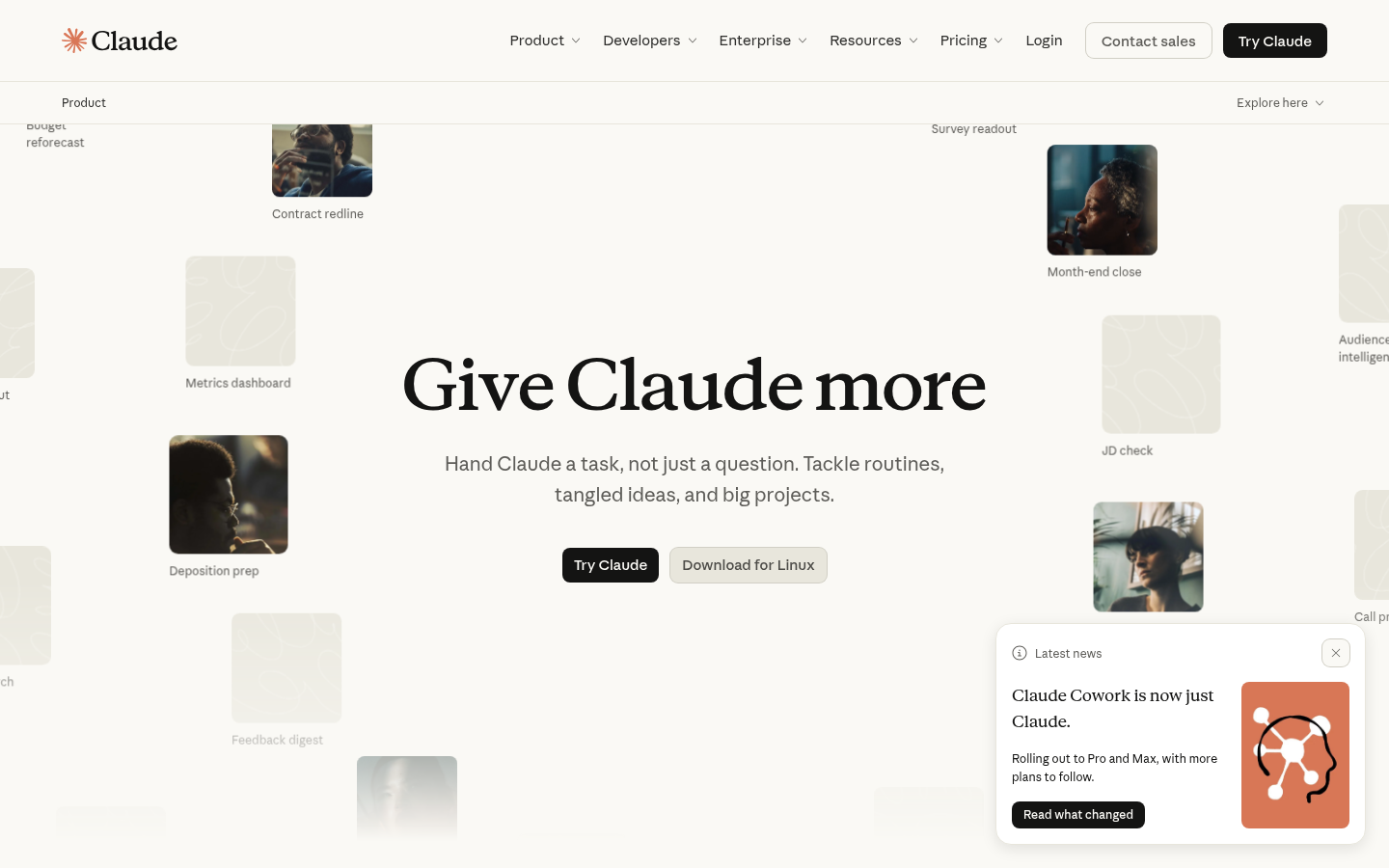
Claude
- Prose reads natural and holds its thread across long drafts
- Takes direction well when you push back on a first draft
- Free tier is enough to judge it before paying $20/month
- No built-in keyword targeting, SEO scoring or brand-voice library
- Needs a clear brief, otherwise intros can drift from the tone you set
The one to open first when the draft has to read like a person wrote it.
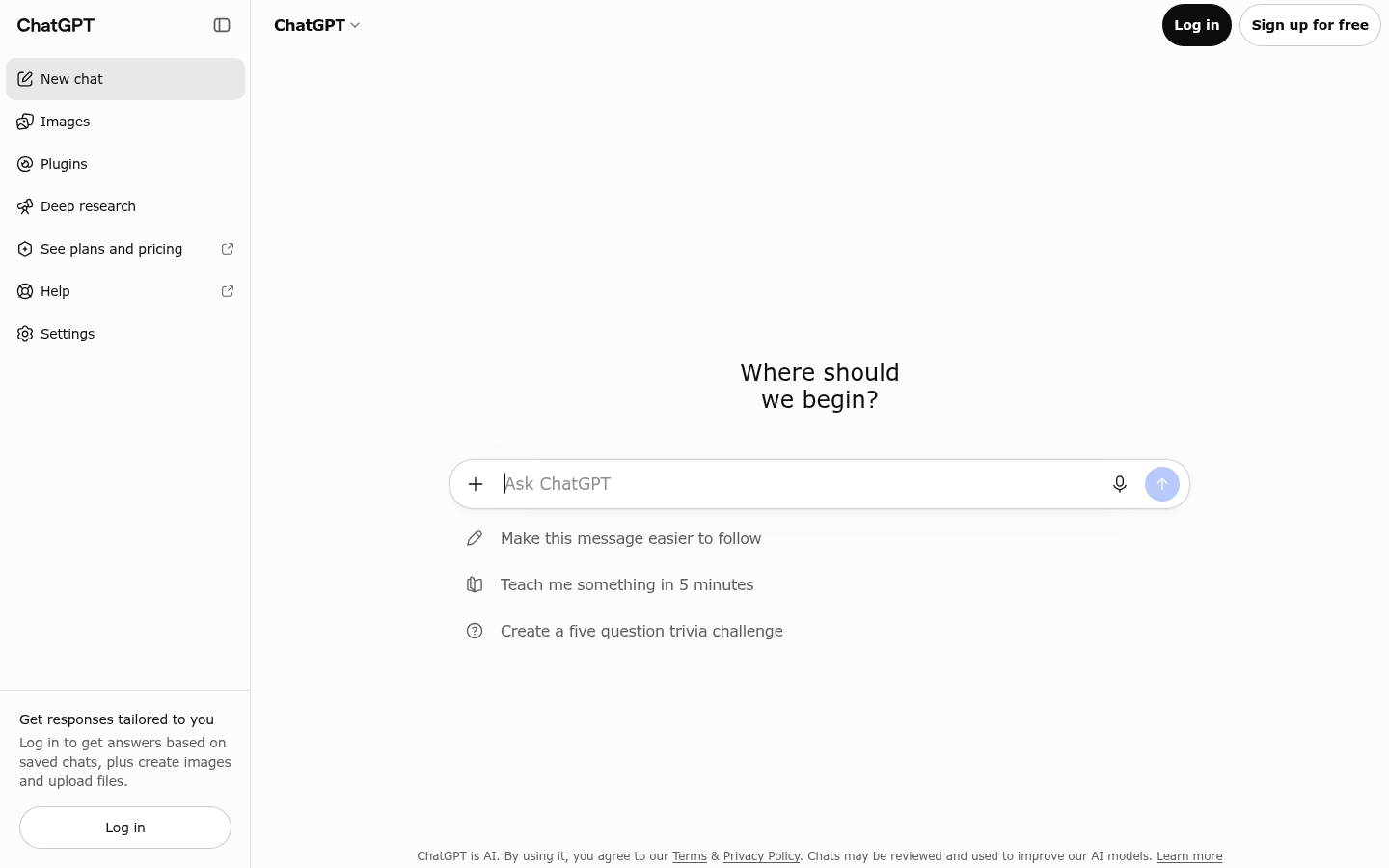
ChatGPT
- Covers drafting, research, file analysis and image generation in one subscription
- Largest user base, so templates and prompt advice are everywhere
- Same $20/month entry price as Claude Pro
- Default output can read as competent but generic without a strong brief
- Usage limits on the free tier arrive quickly with daily writing
The safest single subscription if your writing day is not only writing.
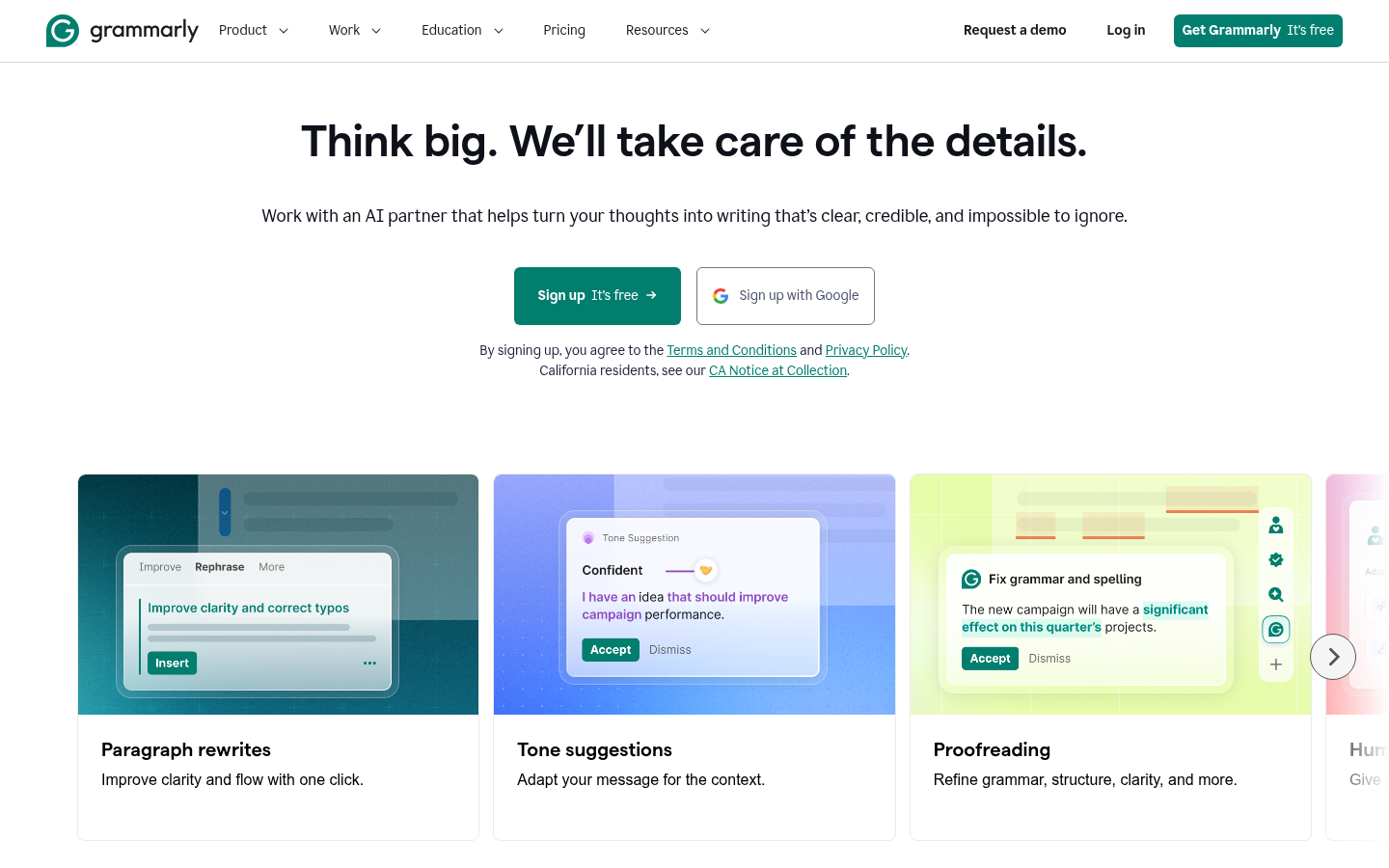
Grammarly
- Works inside Gmail, Google Docs, LinkedIn and Notion without switching tabs
- Clarity and tone suggestions catch what a chat model leaves in
- Pro at $12/month on annual billing is the cheapest paid plan here besides Rytr
- Drafting from scratch is basic compared with Claude or ChatGPT
- Monthly billing at $30 is two and a half times the annual rate
Not your drafter, your last pass before you hit send.
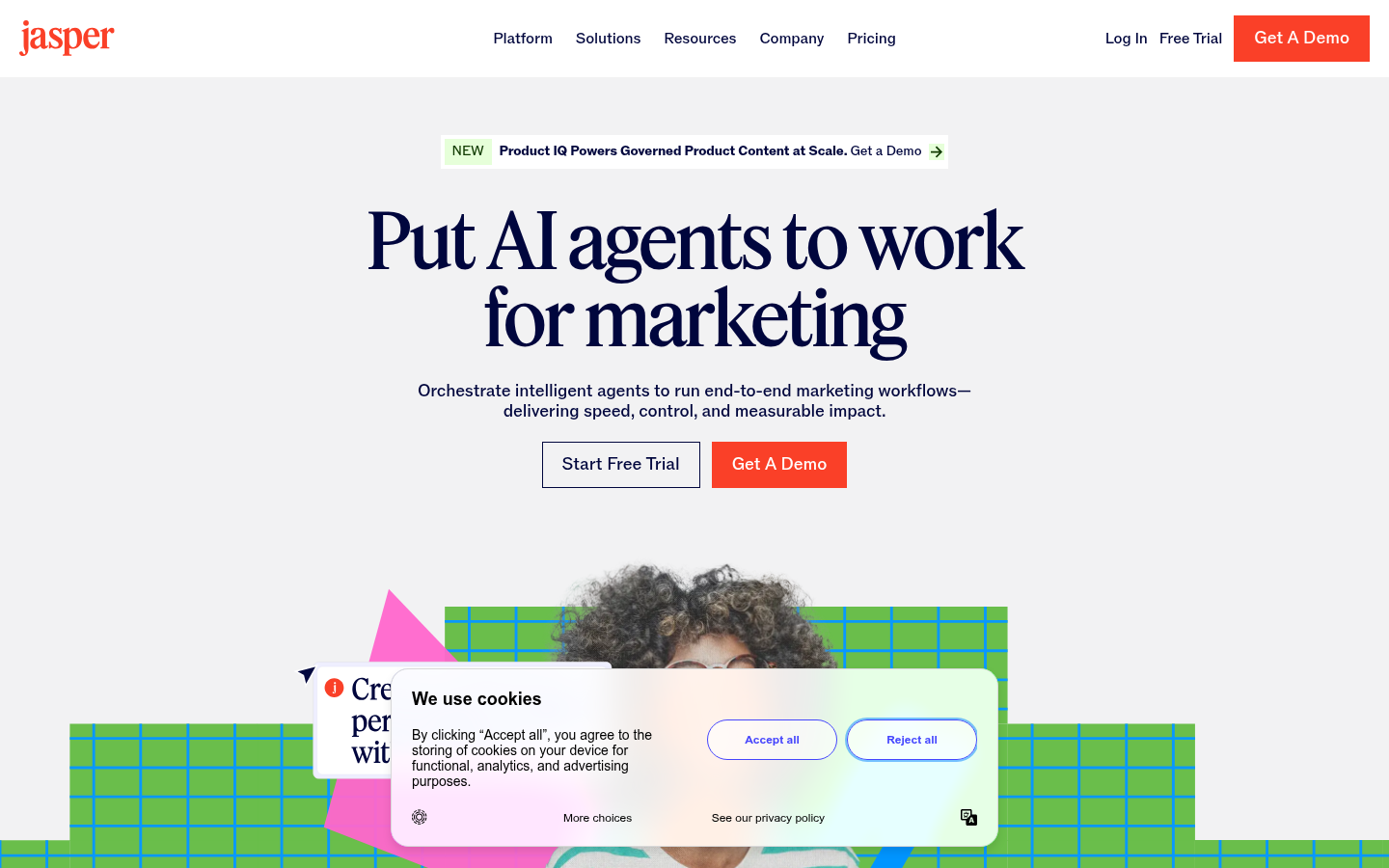
Jasper AI
- Brand Voice and knowledge assets keep output consistent across a team
- Templates and campaign workflows save setup time on repeat formats
- Routes work across several underlying models
- Pro starts at $59/month billed annually, about three times a chat subscription
- Trustpilot rating of 3.3/5 sits well below its G2 score of 4.7/5
- Pays off only after you configure voices and assets
Worth it for a team publishing volume, hard to justify for one writer.
Anyword
- Predictive performance score ranks variants before you spend on a test
- Built for short marketing copy, so the output starts closer to usable
- G2 rating of 4.8/5 from 1,227 reviews
- Starts at $39/month on annual billing and the scoring tier is $79
- Narrower than a general assistant, weak fit for long articles
Pick it when the question is which version of the copy will perform.
Rytr
- Free plan of 10,000 characters a month and a $9/month Saver plan
- Simple editor with many short-form use cases
- Lowest cost of entry on this list
- Long-form depth trails Claude and ChatGPT
- Only 18 Capterra reviews, a thin base to judge from
A budget option for short copy, not a main writing tool.
Verdict
For one professional who writes every day, Claude is the best AI writing tool on this list, with ChatGPT close behind for mixed work. Add Grammarly if you send a lot of email and want a last pass inside your inbox. Skip Jasper unless a team will share its brand voice. Treat Anyword and Rytr as narrow tools for ad copy and short drafts.
How we tested
We built this ranking from what you can verify: each vendor's public pricing page and homepage as of 2 October 2026, aggregated customer ratings on G2, Capterra and Trustpilot, and independent 2026 comparisons of writing quality. We did not run a timed benchmark for this page, so we give no minutes-saved figures. We scored each tool from 0 to 5 on fit for professional writing, value for money and customer-rating signal. No tool here is an affiliate placement, and Content Assistant is not part of the ranking.
The best AI writing tools in 2026 start with Claude for most professionals, ahead of ChatGPT and Grammarly. Claude produces the most natural long-form drafts and takes direction well, ChatGPT handles the widest mix of tasks, and Grammarly polishes what you wrote inside the apps where you send it. Jasper, Anyword and Rytr fit narrower needs: team brand voice, ad-copy scoring and cheap short drafts.
You have a client email to write and twenty minutes before the next call. Which tool you open decides whether you get a first draft you can send or a block of text you spend ten minutes rewriting. This list ranks six tools by that question, not by feature count.
How this ranking was built
We started from the tools people actually compare when they search for the best AI writing tools: the two big chat assistants, one editing tool, and three specialised writing products. We checked each vendor's pricing page and homepage on 2 October 2026. Then we read the customer ratings on G2, Capterra and Trustpilot and set them beside several independent 2026 comparisons.
Two limits to know. We did not run a timed benchmark for this page, so there are no stopwatch numbers here. And customer ratings measure satisfaction across all uses, not writing quality alone. The score on each card mixes fit for professional writing, price and customer-rating signal.
Why a chat assistant is the default now
A pattern shows up across 2026 comparisons. Jasper, Writesonic and Copy.ai sell templates, brand voice and workflow on top of the same kinds of models that power ChatGPT and Claude. You pay for that layer, not for better prose. Several reviewers say the premium is worth it for a team and hard to justify for one person.
That is why Claude and ChatGPT sit first and second at $20 a month each. For a solo writer, a freelancer or a small team, they cover most tasks without learning a new interface. The specialised tools earn their place only when they solve a problem you can name.
Copy.ai is a useful example of why the category moves. Its homepage now leads with a go-to-market platform for sales and pipeline, not with a writing assistant, so we left it out. Writesonic has also shifted its pricing page toward AI search visibility, with plans from $79 a month. Check what a vendor sells today, not what a two-year-old review says.
Claude: when the draft has to read like a person
Claude is where we would start for blog posts, thought-leadership pieces, long emails and rewrites. Reviewers repeatedly describe its prose as more natural than ChatGPT's, and it holds the thread across long pieces instead of losing it in the back half. It also adjusts when you push back on a draft.
The cost is that it is a general assistant. There is no keyword scoring, no content grading and no saved brand voice. If an intro drifts from the tone you wanted, you re-run it or fix it yourself. Three cases where it helps: a first draft from rough notes, a rewrite to cut length without losing the point, and a tone change on a message you dread sending.
ChatGPT: one tab for the whole day
ChatGPT wins when writing is only part of the job. In one subscription you get drafting, research, file analysis and image generation. The user base is the largest of any tool here, with more than 3,000 reviews on G2, so prompts, templates and fixes for common problems are easy to find.
On prose alone, independent comparisons rate it a step behind Claude. Left alone with a vague brief, its output tends toward the competent and generic. Give it a clear audience, a length and an example of your voice, and the gap narrows.
Grammarly: the pass before you send
Grammarly is the odd one in this list because it is not mainly a drafter. It sits in your browser and your apps and edits as you type: grammar, clarity, tone and conciseness, plus AI rewriting and short drafts. For email-heavy days that is the point. You do not change tool and you do not learn a new interface.
Pro costs $12 a month on annual billing and $30 on monthly billing, so the billing choice matters. Many writers pair a chat assistant for drafting with Grammarly for the last pass, which comes to about $32 a month with ChatGPT Plus at the annual rate. Its generation features are basic next to a full chat model, so do not expect it to replace one.
Jasper: worth it for teams, hard to justify solo
Jasper's real product is Brand Voice. You feed it existing content, it learns the tone, and it applies that tone across what the whole team produces, with campaigns and knowledge assets on top. For a marketing team publishing across several formats, that structure is the value.
For one person it is a lot of setup for a high price. Pro runs $59 a month on annual billing and $69 monthly, with only a 7-day trial and no free plan. G2 shows 4.7 out of 5 from 1,270 reviews, while Trustpilot shows 3.3 out of 5 from more than 4,000. Read both: software buyers rate it highly, broader consumer reviews are cooler.
Anyword and Rytr: narrow tools for narrow jobs
Anyword answers a different question from the others: which version of this copy is likely to perform. It scores ad, email and landing-page variants before you test them. If you write ads, that is useful. If you write articles, it is not the tool.
Rytr is the budget end of the list. The free plan allows 10,000 characters a month and the Saver plan is $9 a month. It suits product blurbs, social posts and subject lines. We would not use it as a main tool for long-form work, and its 18 Capterra reviews are a small base to judge from.
Which one to pick
Match the tool to the week you actually have. If most of your writing is long-form or needs a natural voice, choose Claude. If your day mixes writing with research and files, choose ChatGPT. If you live in your inbox, add Grammarly. If a team shares one brand voice, look at Jasper. If you write paid ads, test Anyword. If you only need cheap short copy, Rytr is enough.
A last point on disclosure. This page is published on the Content Assistant blog, an AI writing assistant that is not part of this ranking, and none of the six links here are affiliate links. The recommendation is the one we would give a colleague: start with Claude or ChatGPT, add an editing layer, and pay for a specialised tool only when you can name the problem it solves.