Fireflies AI Alternative: 4 Tools Worth Trying (2026)
Summary
If you are searching for a fireflies ai alternative, it usually means one thing: you want more from your meeting notes than a transcript. We compared TicNote, Fathom, Otter.ai, and tl;dv against Fireflies on price, free plan limits, and what each tool actually produces after the call ends. TicNote comes out ahead for teams that want real deliverables, not just summaries. Fathom wins on free plan generosity. Otter and tl;dv cover live transcription and sales coaching.
You are typing "fireflies ai alternative" into Google for a reason. Maybe the shared AI-credit pool ran dry mid-month, or the free tier's 400 minutes disappeared before Friday. We compared Fireflies against TicNote, Fathom, Otter.ai, and tl;dv on price, free plan limits, and what each tool actually produces after the call ends. TicNote comes out on top for teams that want a real deliverable, not just a transcript, with Fathom close behind for anyone who wants zero cost.
Why people look for a Fireflies alternative
Fireflies is a capable, long-running tool. Its AI Skills library and CRM sync are hard to match feature-for-feature. But three complaints come up again and again in reviews.
The shared AI-credit pool gates summaries and action items even on paid plans. The free tier's 400-minute team storage cap fills up fast for daily meetings. And the interface gets busier every time you add a Skill, a Tracker, or a Channel.
How we compared these tools
We checked each vendor's own pricing page and documentation in August 2026, then cross-referenced feature claims against G2 reviews. This is a documentation and reviews audit, not a multi-week hands-on trial across all five tools, and the verdicts below reflect that.
Six criteria: starting price, free plan limits, standout feature, capture method, CRM sync, and language coverage. See the table above for the exact numbers side by side.
TicNote: the alternative built for output, not just notes
TicNote's pitch is different from every other name on this list. Instead of handing you a summary, its Shadow Agent turns your meeting sources, plus any PDFs or YouTube videos you add to the same project, into an actual file. Think an editorial calendar, a slide deck, or a dashboard with charts.
The catch: Shadow Agent needs a project set up first, it will not run from the default recordings folder. And the free tier caps at 300 minutes a month, tight if you are in back-to-back calls most days. Still, for anyone who has to turn a meeting into a document afterward, this is the one alternative on this list that does that job natively.
Fathom: the free-tier standout
Fathom's free plan has no meeting cap, no seat limit, and no expiry on your history. That is unusual in a category where "free" often means a 30-day trial in disguise.
Bot-free capture is in beta on Mac, so the app does not show up as an extra participant on the call. The trade-off: CRM sync and AI Scorecards sit behind the Business tier, and there is no mobile app for recording in-person conversations.
Otter.ai: still the pick for live transcription
Otter shows you the transcript while the call is happening, not just after. Speaker identification and word-level highlighting on playback are mature, and the mobile apps are the best of this group.
The free plan's 30-minute-per-meeting cap is the main friction point. Even paid Business users hit a monthly AI Chat query ceiling, so heavy AI-question users will feel it too.
tl;dv: sales coaching without the Gong invoice
tl;dv's free plan transcribes unlimited meetings in 30+ languages for one user, which covers most solo use cases without a card on file. Where it earns its spot here is the sales layer: talk-time tracking and objection detection at a fraction of Gong's price.
Business tier pricing jumps sharply from Pro, so budget for that step if the team grows past a couple of reps.
Price is not the whole story
Otter and Fireflies both gate their most useful AI output behind credit or query caps, even on paid tiers. Fathom and tl;dv do not, at least not on their entry paid plans. That gating is worth testing with your own meeting volume before you commit a whole team to any of them.
If what you actually want is not a meeting recorder at all, but a workspace where meeting notes, docs, and AI drafting live together, Notion AI solves a different problem than anything on this list. Worth a look if the meeting is just one input among several.
Who should stick with Fireflies
If your team already relies on Fireflies' 200+ AI Skills, its dialer integrations with Aircall and RingCentral, or its HIPAA-compliant Enterprise tier, switching probably is not worth the migration cost. The tools above solve specific complaints: credit gating, free tier limits, deliverable generation. They do not replace Fireflies wholesale for teams that already built workflows around it.
The bottom line
TicNote is the strongest fireflies ai alternative for anyone who wants a document or dashboard out of a meeting, not just a summary. Fathom is the safest zero-cost pick. Otter and tl;dv each solve one specific job, live transcription and sales coaching, better than a general-purpose swap. Test the free tier of whichever one matches your actual complaint before paying for anything.
At-a-glance
| TicNote | Fathom | Otter.ai | tl;dv | |
|---|---|---|---|---|
| Starting price (paid) | $15-29/mo (no published per-seat tier) | $16-20/mo per individual (Premium) | $8.33-16.99/mo per user (Pro) | ~$18/mo per user (Pro) |
| Free plan limits | 300 min/month transcription | Unlimited meetings, no history expiry | 300 min/month, 30-min meeting cap | Unlimited recordings, 1 user |
| Standout feature | Shadow Agent generates real files (decks, dashboards, reports) from meetings | Genuinely free plan with no expiry | Live in-call transcription and captioning | Multi-meeting AI search plus sales coaching |
| Capture method | Chrome extension, no bot joins the call | Bot, or bot-free capture in beta on Mac | Bot joins the call (Otter Notetaker) | Bot joins the call |
| CRM sync | None built in (workspace exports instead) | Salesforce, HubSpot, Notion, Asana on paid plans | Salesforce/HubSpot on Business tier | CRM sync on Business tier |
| Transcription languages | 120 languages | English-first per public docs | English-first, limited multilingual support | 30+ languages |
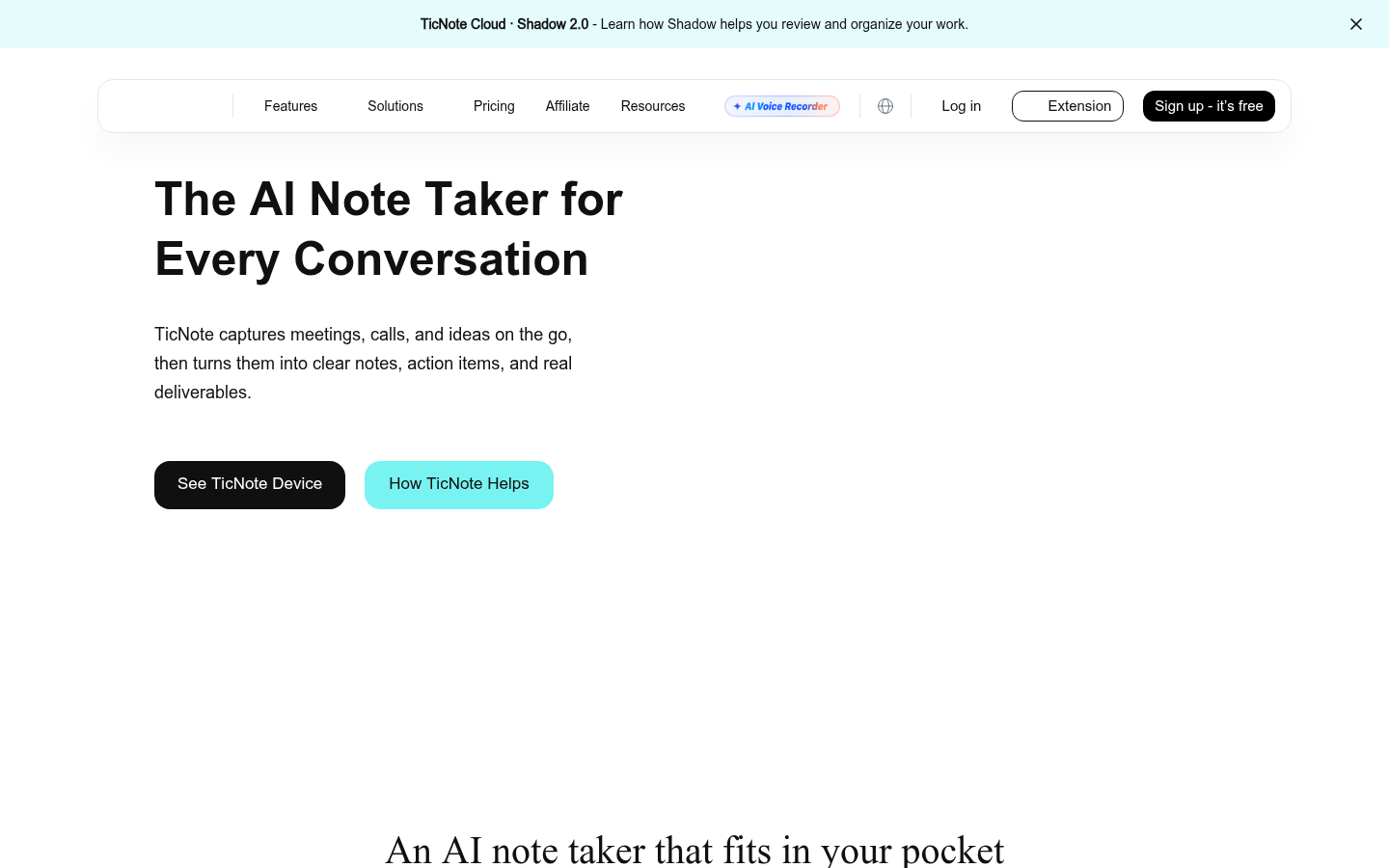
TicNote
- Shadow Agent turns meeting sources into real exportable files instead of a text summary
- Chrome extension captures meetings directly, so no bot joins the call
- Unifies meetings, PDFs, and YouTube videos in one project workspace with clickable sources
- Transcribes in around 120 languages
- Free tier caps at 300 minutes a month, tight for a heavy meeting schedule
- Shadow Agent needs a project set up first, it will not run from the default recordings folder
- Output quality depends on how well you prompt it, generic requests give generic decks
The most complete Fireflies alternative if you want actual output, not just a transcript.
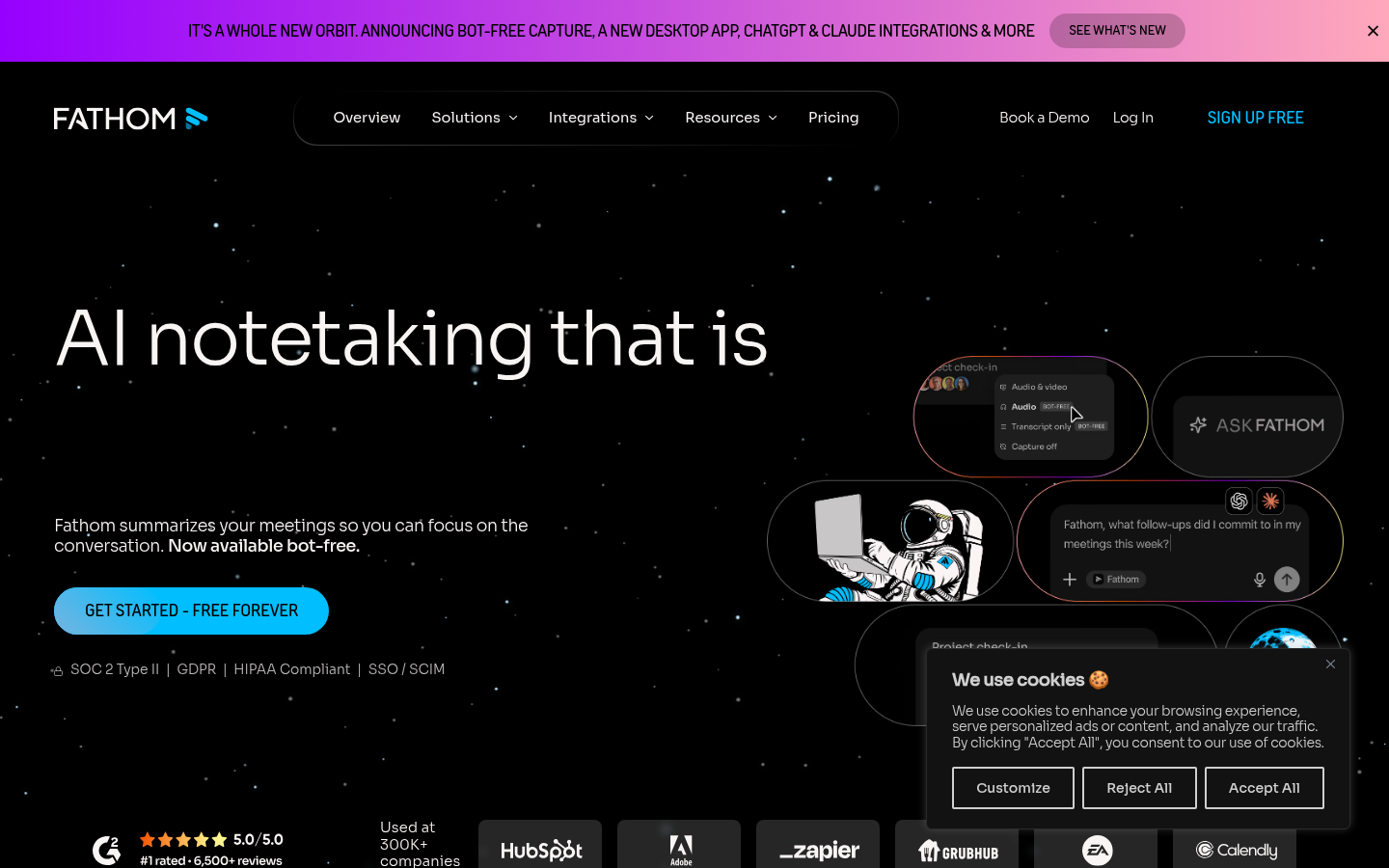
Fathom
- Free plan has no meeting cap, seat limit, or history expiry
- Bot-free capture option in beta avoids an extra participant showing up on calls
- Ask Fathom searches your entire meeting history in plain language on paid plans
- AI Scorecards and CRM field sync sit behind the pricier Business tier
- No native mobile app for live in-person transcription outside calendar meetings
- Team-wide search requires a paid seat for every member, not just the admin
Best free-tier Fireflies alternative if you are not ready to pay for a meeting tool yet.
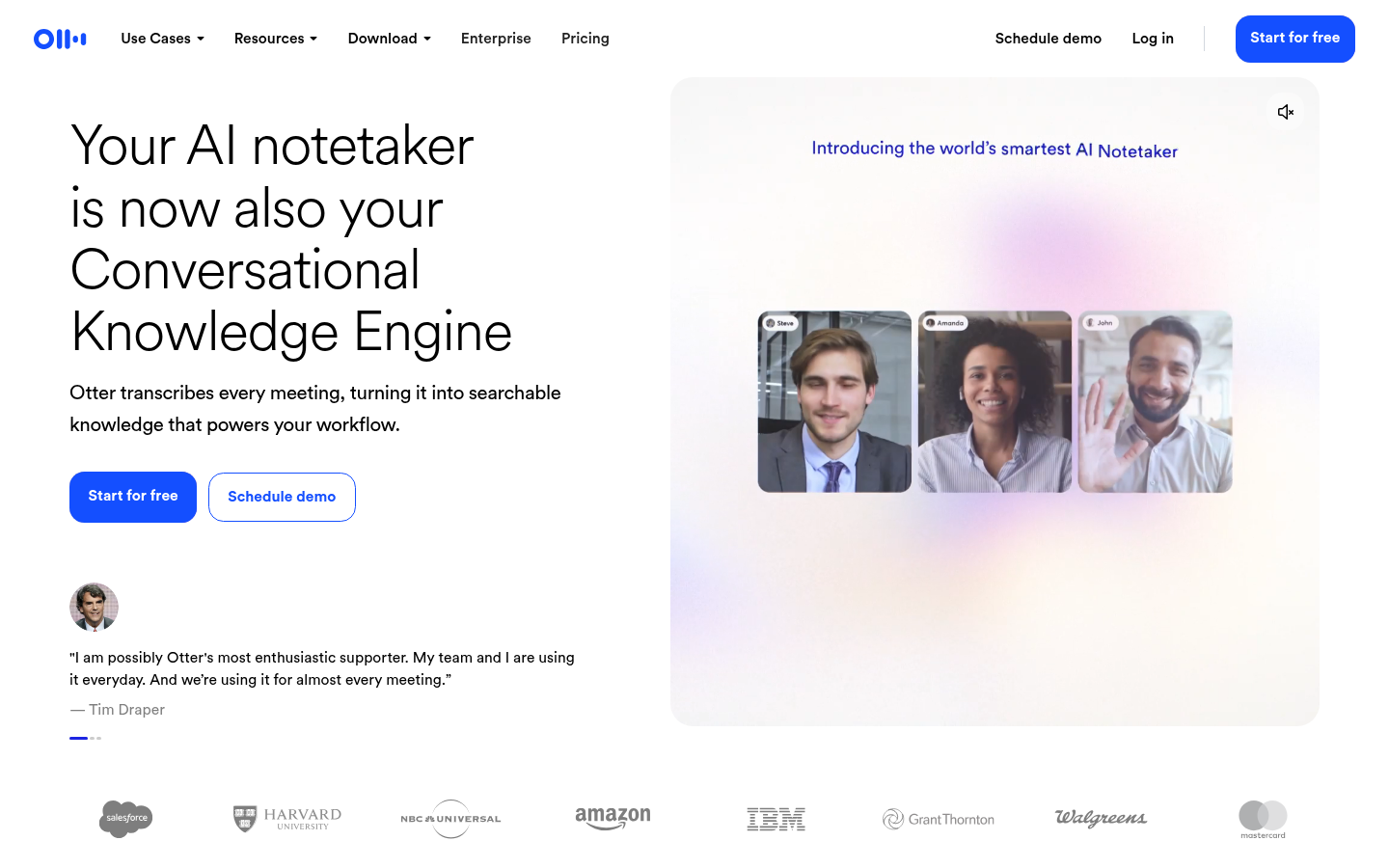
Otter.ai
- Live transcription and captioning appear during the call, not only after it ends
- Speaker identification with synced word-highlighting on playback
- Mature iOS and Android apps with widgets and Siri shortcuts
- Free plan caps each meeting at 30 minutes, awkward for longer calls
- AI Chat query allowance stays capped even on the paid Business tier
- Fewer built-in deliverable-generation features than newer AI-native competitors
Solid, no-surprises transcription alternative if live captioning matters more than AI extras.
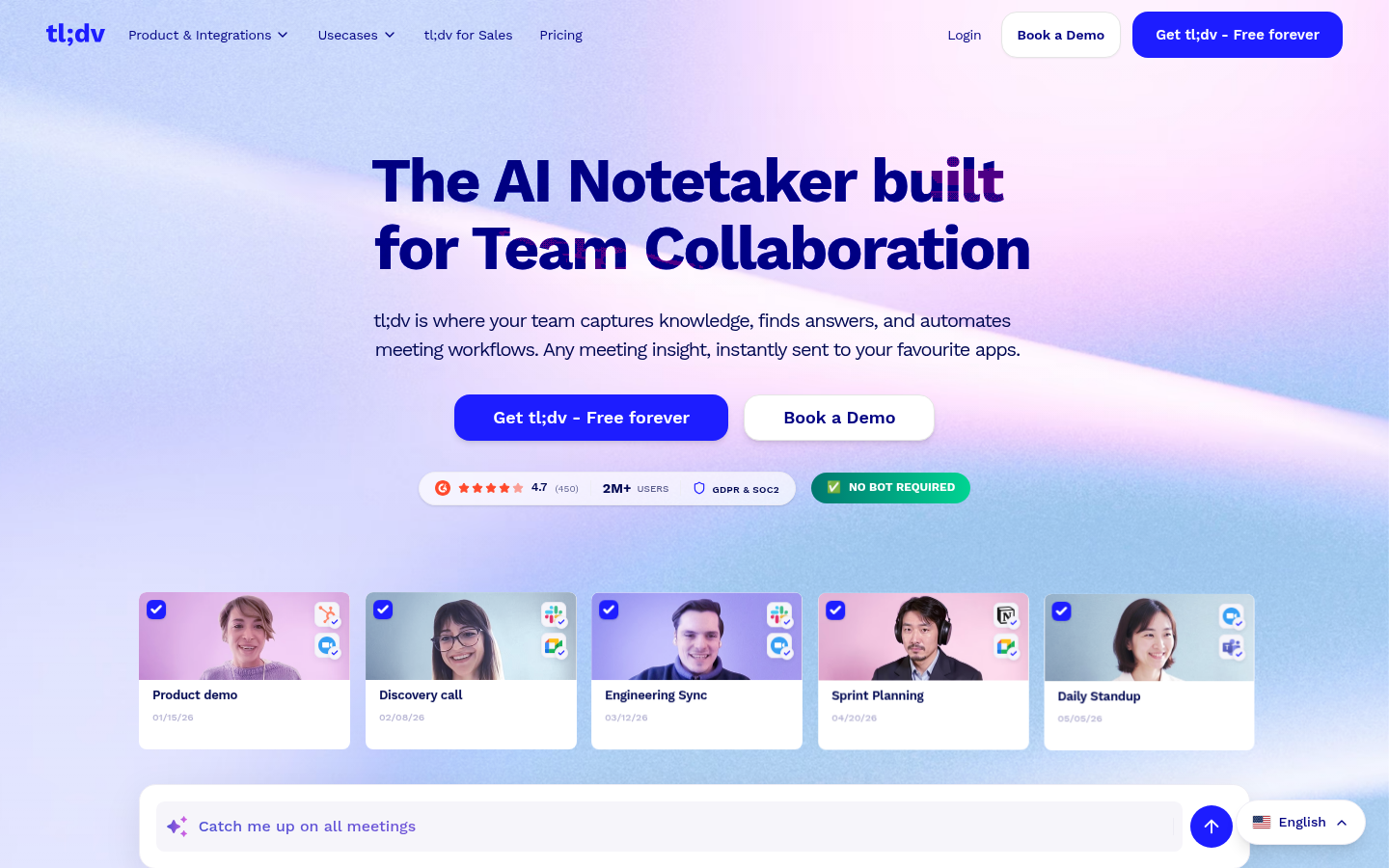
tl;dv
- Unlimited free recordings and transcripts in 30+ languages for a single user
- Multi-meeting AI search across your whole call history, not just one call
- Sales-coaching layer with talk-time and objection tracking at a lower price than Gong-tier tools
- Free plan skips the AI meeting-report and highlight-reel features that make it sticky
- Business tier pricing jumps sharply compared to Pro, a rough step for growing teams
- Some reviewers report inconsistent customer support response times
The strongest alternative for sales teams chasing call coaching on a budget.
Verdict
TicNote is the strongest fireflies ai alternative overall: free Chrome-extension capture plus a Shadow Agent that outputs real decks, dashboards, and reports goes further than a summary. Pick Fathom if you are not ready to pay for anything yet, its free plan has no meeting cap or history expiry. Choose Otter.ai for accurate live transcription during the call itself. Go with tl;dv if your team needs Gong-style sales coaching without the enterprise invoice. Fireflies still makes sense for teams already deep in its 200+ AI Skills and CRM integrations.
How we tested
We compared Fireflies against four alternatives using each vendor's own pricing page, product documentation, and G2 review data current as of August 2026, checked directly on fireflies.ai/pricing and each competitor's site. For every tool we recorded: entry-level paid price, free plan limits (minutes, seats, or meeting length caps), the standout feature that separates it from a generic notetaker, CRM sync availability, transcription language coverage, and capture method (bot versus bot-free). This is a documentation and reviews audit, not a multi-week hands-on trial across all five tools, and the verdicts below reflect that limitation rather than hide it. Custom scores (out of 5) weigh free-plan generosity, the depth of AI output beyond a transcript, and integration breadth for the meeting-heavy roles, sales, ops, content, most likely to search for a Fireflies alternative. Pricing figures get rechecked whenever we revisit this page; the source links below are where we pulled them from.