QuillBot Alternatives: 4 Rewriting Tools Compared (2026)
Summary
QuillBot alternatives split into two groups: tools that fix your text where you write, and tools that give you several rewrites to choose from. Grammarly leads for professional writing at $12 a month billed annually, Wordtune gives sentence-level choices from $4.89 a month, LanguageTool covers 30+ languages from $5.83 a month, and Paraphraser.io is the free paste-and-rewrite option. This comparison uses pricing and public review scores checked on 30 October 2026.
The best QuillBot alternatives in 2026 are Grammarly, Wordtune, LanguageTool and Paraphraser.io. Grammarly wins for anyone who writes email and documents for work, because it corrects and rewrites inside Gmail, Google Docs and LinkedIn without a paste step. Wordtune is better for choosing between several rewrites of one sentence, and LanguageTool is the cheapest option with the widest language support.
Why people look for a QuillBot alternative
You have a client email that sounds stiff, a paragraph that runs long, and about three minutes. QuillBot can paraphrase it, but you open a separate tab, paste the text, pick a mode, copy the result back and fix the formatting. That round trip is the most common reason people start searching.
The second reason is limits. QuillBot's free plan paraphrases up to 100 words and offers 2 modes (Standard and Fluency). Premium unlocks 9 modes, custom modes and longer text, at $8.33 a month on annual billing or $19.95 billed monthly. For a student, that is fair. For someone who writes short professional messages all day, the real cost is the paste step, not the subscription.
What we compared
We looked at five things that matter to a working writer: price on annual billing, what the free plan actually allows, how deep the rewriting goes, where the tool runs, and how many languages it handles. We added public review scores as a sanity check. The criteria table above sets all four alternatives side by side.
One note on QuillBot's own numbers, since they are the baseline. Its paraphraser offers 9 unique modes on Premium, translation into 40+ languages, paraphrasing in 23 languages and grammar correction in 6 languages. It also bundles a plagiarism checker (25,000 words a month), an AI detector, a summarizer and a citation generator. Few alternatives match that breadth, which is why the right choice depends on what you use.
Grammarly: best for writing at work
Grammarly lives where you write. The extension runs in Gmail, Google Docs, LinkedIn, Notion and most browsers, so a correction or rewrite appears under your cursor. Pro, at $12 a month billed annually ($30 billed monthly), adds full-sentence rewrites, tone adjustment, plagiarism and AI-text detection, and 2,000 AI prompts a month. The free plan covers grammar, spelling and a tone view, with 100 AI prompts a month.
The trade-off is cost and language. Pro is about $3.67 a month more than QuillBot Premium on annual billing, and it is built around English. It also does not hand you five alternative phrasings the way a paraphraser does: it proposes a fix, you accept or ignore it. Capterra shows 4.7/5 across 7,225 reviews, the largest evidence base here.
Wordtune: best for choosing between rewrites
Wordtune is closest to the way QuillBot is used day to day. Select a sentence and it offers several rewrites, with options to shorten, expand, or move the tone to casual or formal. It also summarizes text and fixes grammar.
Advanced costs $4.89 a month on annual billing and Unlimited costs $6.99, both below QuillBot Premium. The free plan is tight: 10 rewrites a day and 3 summaries a month, and Advanced is capped at 30 rewrites a day. Wordtune says it does not offer refunds, so use the 3-day trial before you commit. G2 shows 4.6/5 across 200 reviews and Capterra shows 4.4/5 across 82.
LanguageTool: best for languages and budget
LanguageTool is a grammar, spelling and style checker first, with paraphrasing added on top. It covers more than 30 languages, which matters if you write in French, German, Spanish or Dutch as well as English. Premium costs $5.83 a month on annual billing ($69.90 a year), or $4.99 a month on the two-year plan, and raises the limit from 2,000 to 150,000 characters per text field.
The free plan includes only 3 AI rephrasings a day, so it will not replace QuillBot's paraphraser on its own. Add-ons exist for Chrome, Edge, Firefox, Safari, Word and Google Docs, plus desktop and iOS apps. Capterra lists 4.1/5, but from only 50 reviews, so treat that score as a loose signal.
Paraphraser.io: the closest free copy
Paraphraser.io does one job: paste text, pick a mode, read the result. Word Changer, Fluency, Standard, Formal and Smooth are free. Creative, Smarter, Shorten, Academic and Expand need a paid plan, which also lifts the word limit to 30,000 and removes ads.
It is the simplest swap if you only ever paraphrase. The weakness is evidence: the page we captured carried a banner ad, and Trustpilot lists a single review, so there is little outside proof of output quality. We would use it for throwaway rewrites, not client copy.
Which one should you pick
Match the tool to the task. Four cases:
You write email, posts and documents all day: Grammarly, because the work happens in place.
You rewrite sentence by sentence and want options: Wordtune, and watch the daily caps on the free plan.
You write in several languages or need the lowest price: LanguageTool Premium.
You paraphrase academic sources and want the plagiarism checker too: stay with QuillBot, since no alternative here bundles that set.
None of these tools replaces reading the result before you send it. Whichever you choose, treat the output as a first draft and keep your own edit pass.
At-a-glance
| Grammarly | Wordtune | LanguageTool | Paraphraser.io | |
|---|---|---|---|---|
| Paid price (billed annually) | Pro $12/month, $30 if billed monthly | Advanced $4.89/month, Unlimited $6.99/month | Premium $5.83/month ($69.90/year) | Paid plans add 5 modes, no ads, up to 30,000 words |
| What the free plan allows | Grammar, spelling, tone view, 100 AI prompts a month | 10 rewrites a day, 3 summaries a month | 2,000 characters per field, 3 AI rephrasings a day | 5 modes, ads, capped word count |
| How it rewrites | Full-sentence rewrites and tone changes on Pro | Several rewrites per sentence, shorten, expand, casual or formal | Unlimited sentence paraphrasing on Premium, formal, fluid or shorter | Word Changer, Fluency, Standard, Formal, Smooth free; 5 more paid |
| Where you use it | Inside Gmail, Docs, LinkedIn, Notion and most browsers | Own editor plus browser extension | Browser add-ons, Word and Google Docs add-ins, desktop apps | Paste into the website, no install |
| Language coverage | English first | English focused | 30+ languages | Several languages, more on paid |
| Public customer rating | 4.7/5 on Capterra (7,225 reviews) | 4.6/5 on G2 (200), 4.4/5 on Capterra (82) | 4.1/5 on Capterra (50 reviews) | Thin: Trustpilot lists a single review |
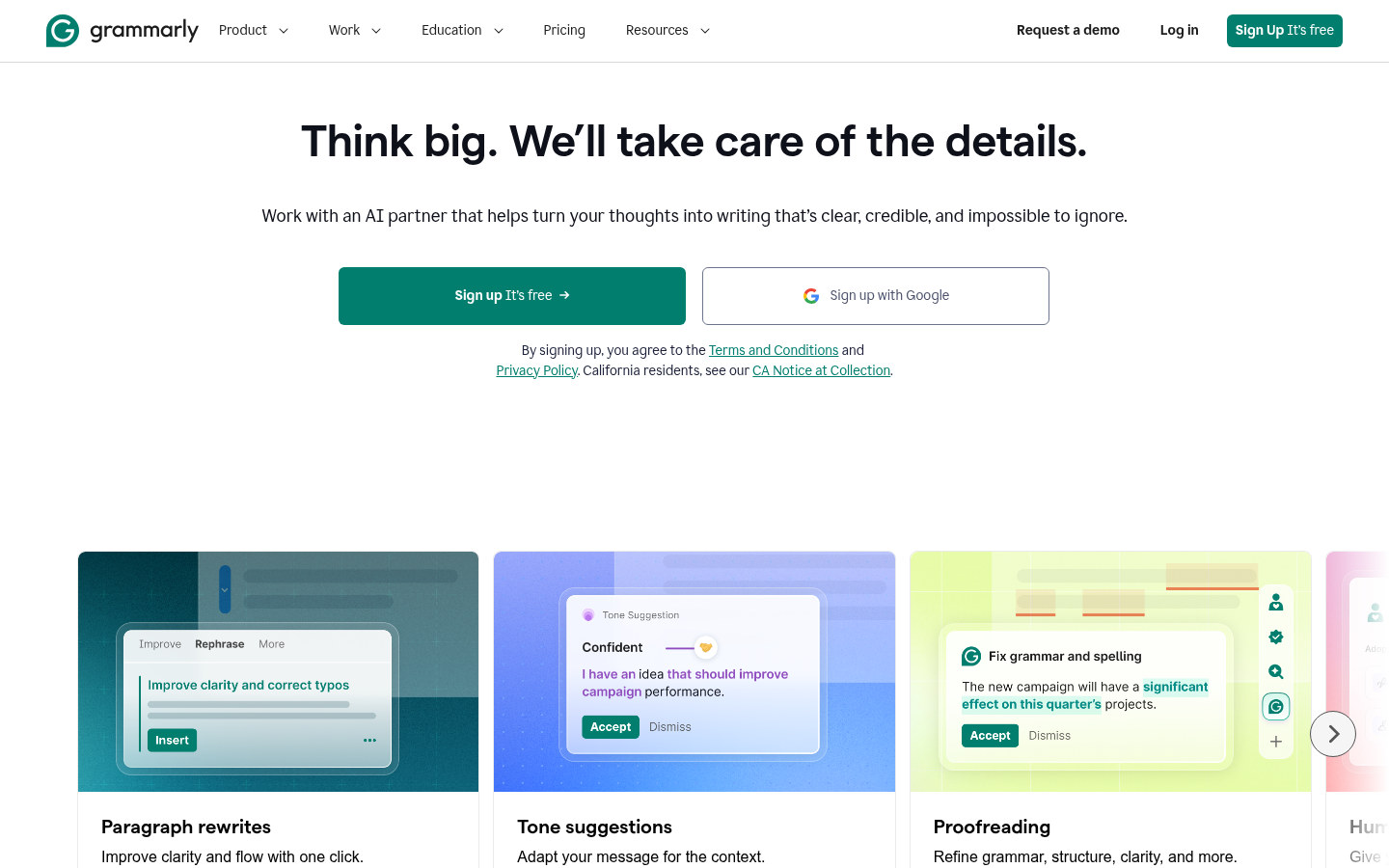
Grammarly
- Works inside Gmail, Google Docs, LinkedIn and Notion, so there is no paste step
- Pro adds full-sentence rewrites and tone adjustment, which covers most of what QuillBot's modes do
- Largest review base of the group: 4.7/5 across 7,225 Capterra reviews
- Pro at $12 a month billed annually costs more than QuillBot Premium at $8.33
- Built around English, so it is a poor pick if you rewrite in other languages
- Rewrites suggest changes to your text rather than producing five alternative wordings to choose from
The best QuillBot alternative if you write for work and want the fixing to happen where you already type.

Wordtune
- Offers several rewrites per sentence, with shorten, expand, casual and formal options
- Advanced is $4.89 a month on annual billing, cheaper than QuillBot Premium
- Rated 4.6/5 on G2 across 200 reviews
- The free plan is tight at 10 rewrites a day and 3 summaries a month
- No refunds: you can only cancel before the trial ends or the next billing date
- Focused on English, with no grammar coverage for other languages
Best when you want choices per sentence, not a single corrected version.
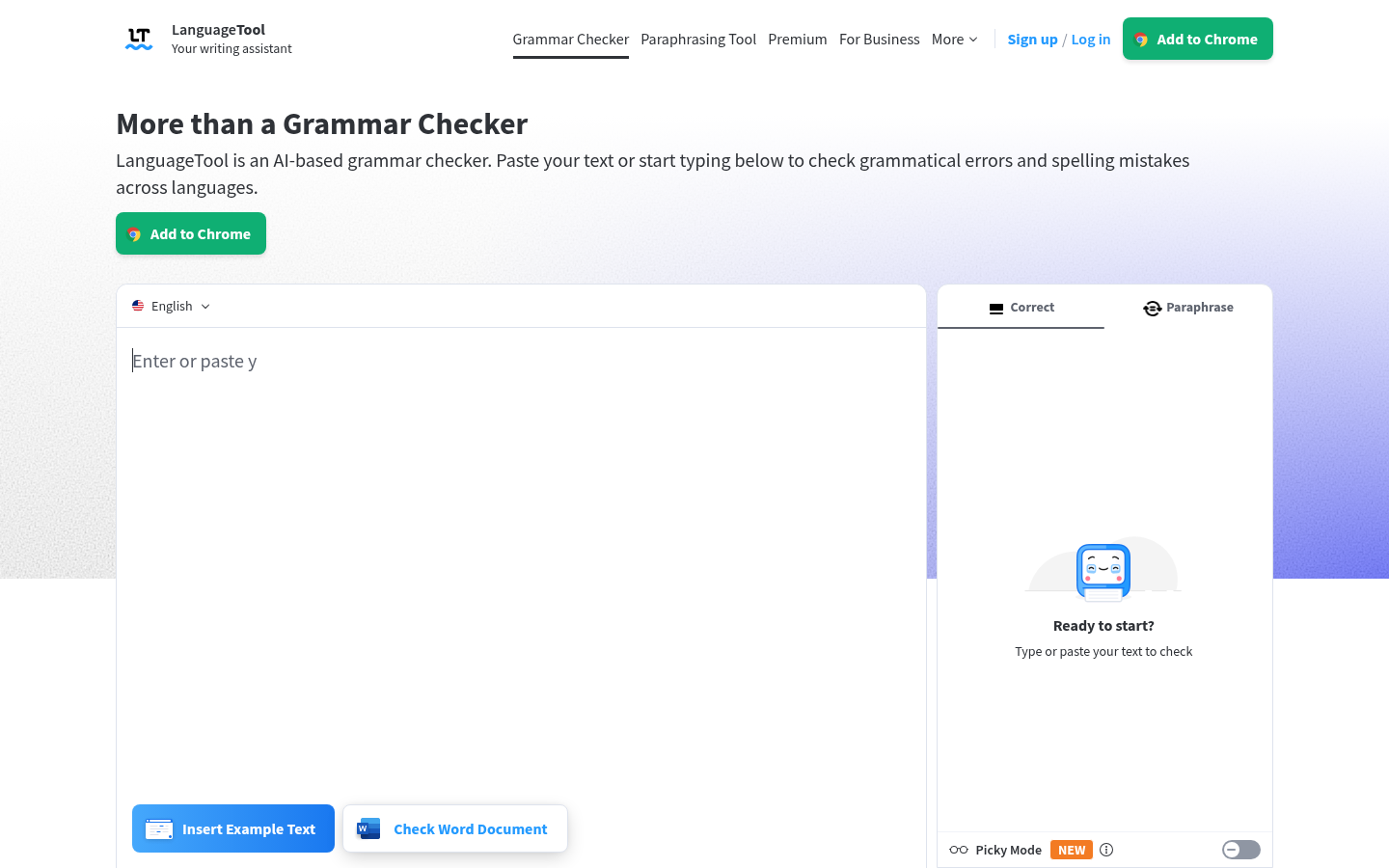
LanguageTool
- Covers 30+ languages, far beyond QuillBot's six grammar languages
- Premium at $5.83 a month billed annually ($69.90 a year) undercuts both Grammarly and QuillBot
- Premium allows 150,000 characters per text field, and a 14-day money-back guarantee applies
- Paraphrasing is an add-on to a checker, not the main product, so it has fewer modes than QuillBot
- Free plan limits you to 2,000 characters per field and 3 AI rephrasings a day
- Only 50 Capterra reviews, so the 4.1/5 rating is a thinner signal
Best budget and best multilingual pick, as long as you mostly need correction rather than rewriting.
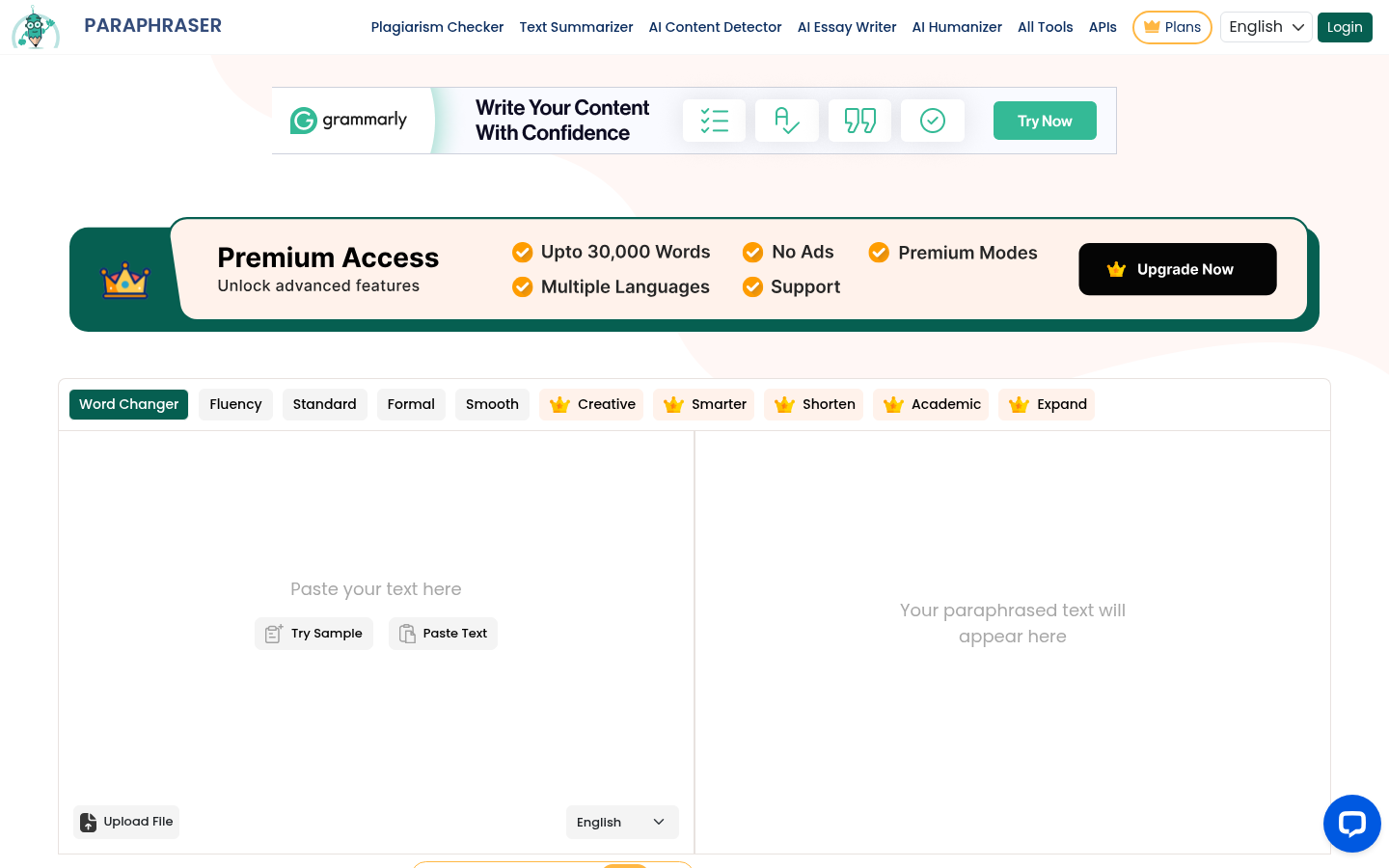
Paraphraser.io
- Five modes are free, including Word Changer, Fluency, Standard, Formal and Smooth
- Nothing to install: paste text on the page and rewrite
- Closest feature match to QuillBot's paraphraser if that is the only tool you use
- The free version is ad-supported, with banner ads on the page we captured
- Creative, Smarter, Shorten, Academic and Expand modes sit behind a paid plan
- Public review evidence is thin: Trustpilot lists one review, so there is little independent proof of quality
Fine for occasional rewrites, but it gives you the least reason to trust it with client work.
Verdict
Grammarly is the best QuillBot alternative for people who write for work, because the fixing happens inside the apps you already use. Wordtune suits anyone who picks between several rewrites of a single sentence. LanguageTool wins on price and on languages. Paraphraser.io is the closest copy of QuillBot's paraphraser, but with the weakest public track record. If you only paraphrase academic sources, QuillBot may still be the right tool and you can stay.
How we tested
We compared these tools on the vendors' own pricing and feature pages, which we opened on 30 October 2026, plus the public review scores on Capterra, G2 and Trustpilot at that date. We also took a screenshot of each homepage the same day. Prices are quoted as listed, in US dollars, and review counts are the totals each platform displays. We did not run a paid test of every plan or a timed benchmark, so the pros and cons come from published documentation and public reviews, not from weeks of daily use. None of the tools here pay us for placement: this page has no affiliate links, and the ranking reflects fit for professional writing, which is the audience of this site.