Your SEO content writing service, minus the invoice
Paste your draft, pick an action, and get SEO-ready copy before your coffee's done. Free, no sign-up, six actions built in.
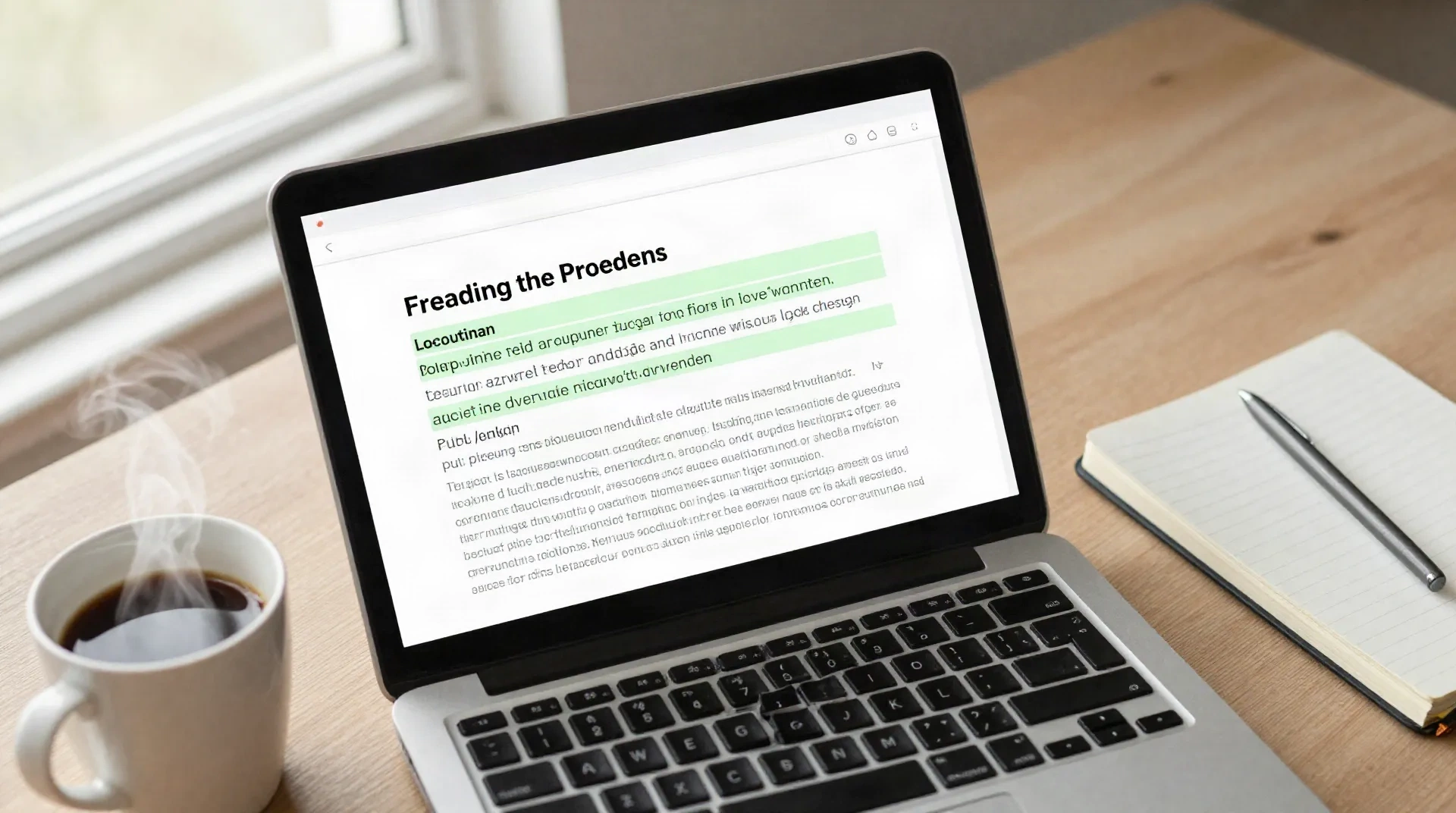
What you get before you pay anyone
What the assistant actually does
Improve writing
Tightens a rough SEO draft into clean, publish-ready copy without changing what you meant to say.
Summarize
Turns a stack of research or competitor articles into the bullet points you'd actually brief a writer with.
Make it shorter
Cuts a bloated 1,200-word draft down to the word count your CMS actually asked for.
Simplify
Swaps jargon for plain words, so the piece reads at the level real readers, and Google, reward.
Professional tone
Levels out a draft written across three time zones so it sounds like one consistent voice.
Draft a reply
Answers a client brief or an editor's note in seconds, ready to send or adjust.
Three steps, zero learning curve
No dashboard to configure, no template library to learn first.
-
1
Paste your draft
Drop in the blog post, product page, or email draft you were about to send to a writing service.
-
2
Pick an action
Improve, summarize, shorten, simplify, adjust the tone, or draft a reply. One click, no settings to learn.
-
3
Copy and publish
Take the output straight into your CMS, or run it through a second action if it still needs work.
From rough draft to something you'd actually publish
A good chunk of what an SEO content writing service bills you for is the second pass, not the first draft. Tighten the sentence structure, cut the padding, fix the flow between paragraphs. The Improve action does that pass in seconds, on the draft you already wrote yourself.
- Keeps your original meaning and facts
- Removes filler words and repeated ideas
- Works on blog posts, product pages, and briefs

Turn ten open tabs of research into one brief
Before an SEO content writing service can write anything, someone has to hand them a brief. Paste in the top-ranking articles you've gathered or your own notes, hit Summarize, and get the bullet points you'd actually give a writer, or use yourself to write the piece.
- Cuts long articles down to the points that matter
- Useful for competitor research before writing a brief
- Works the same way in all 13 supported languages

Free assistant vs. hiring a writing service
Here's where each one actually helps, without pretending they do the same job.
| What matters | Content Assistant | SEO content writing service |
|---|---|---|
| Cost | Free, no sign-up | Paid per article or by retainer |
| Turnaround | Seconds, per draft | Days, depending on their queue |
| Keyword research & content strategy | Not included | Usually included |
| Editing a draft you already wrote | Built for exactly this | Not typically the job |
| Writing a full piece from scratch | You still do the writing | Yes, that's what you're paying for |
Common questions
Is Content Assistant actually free?
Can this replace an SEO content writing service?
Does it check my content for SEO issues like keyword density?
What languages does it support?
Does it store what I paste in?
Will the output read like AI wrote it?
Is it good enough for client work?
Write the draft. Let the assistant do the second pass.
Free, no sign-up, ready whenever you have a paragraph that needs work.